
Before spending money on any productivity tool, most people ask the same question: Does it actually make my life easier, or is it just another subscription I will stop using after a few weeks?
That is exactly the question many users have before upgrading to Grammarly Premium.
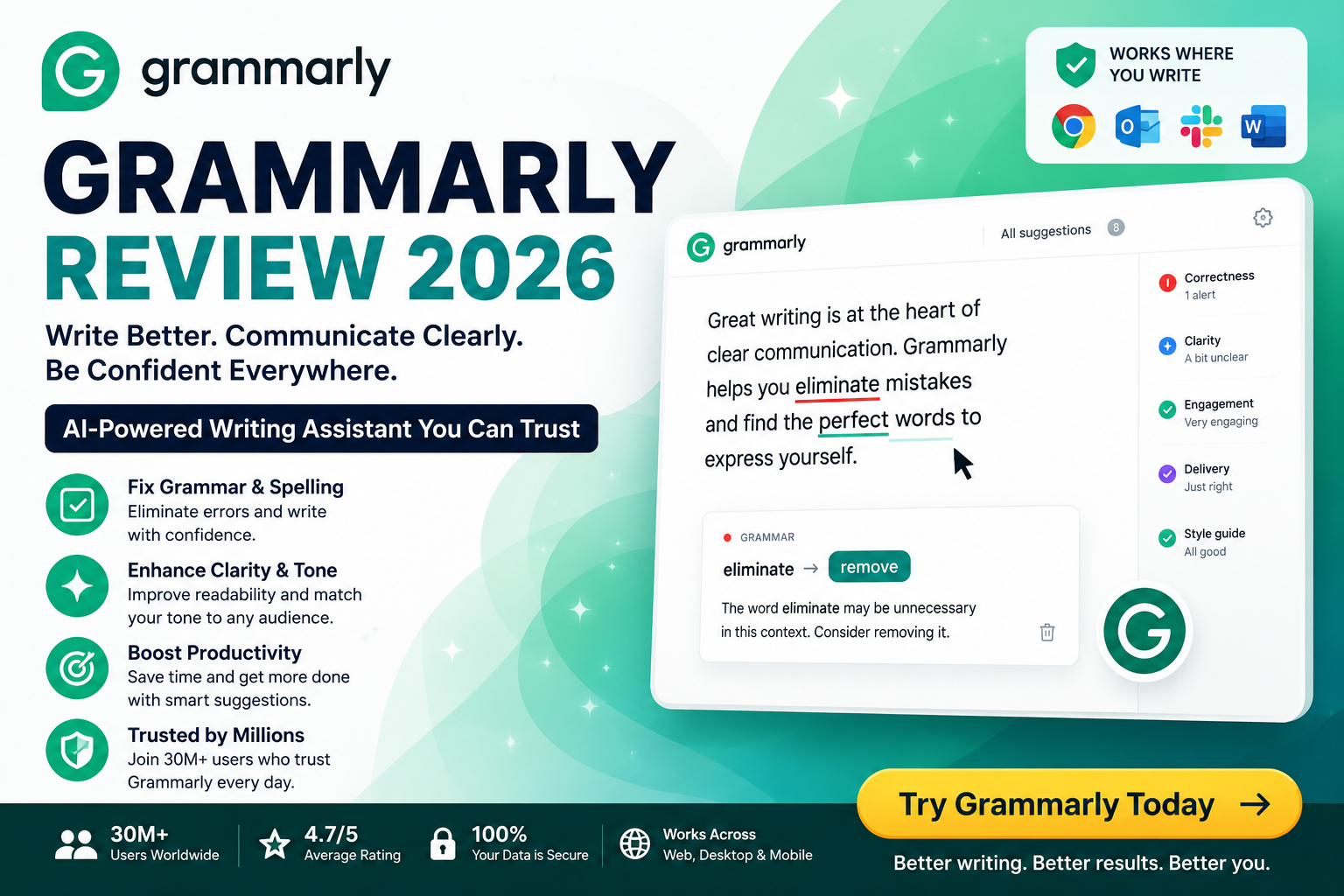
The free version of Grammarly is already popular because it catches basic spelling mistakes and grammar errors. But the real reason people consider paying for Grammarly Premium is not just fixing typos. The value comes from the advanced features designed to make your writing clearer, more professional, and more effective.
After testing Grammarly Premium across emails, blog content, business messages, documents, and everyday writing, some features stood out as genuinely useful while others depend on your personal writing needs.
If you regularly write for work, school, clients, or online platforms, these are the Grammarly Premium features that can actually make a difference.
1. Advanced Grammar Corrections That Go Beyond Basic Spell Checking
Most free writing tools can detect obvious mistakes like misspelled words or missing punctuation. However, professional writing problems are usually more complicated.
The biggest difference with Grammarly Premium is that it does not only ask, “Is this sentence technically correct?”
It also considers:
- Is this sentence clear?
- Is the wording professional?
- Is the structure easy to understand?
- Could this message create confusion?
- Is there a better way to communicate the same idea?
During testing, Grammarly Premium was especially helpful with longer sentences where the meaning was correct but the writing felt complicated.
For example:
Before:
“Our company is currently working on implementing different strategies that are focused on improving the overall experience of customers who use our services.”
Grammarly may suggest making it shorter:
“Our company is implementing strategies to improve customer experience.”
The meaning stays the same, but the sentence becomes easier to read.
For professionals who send emails, proposals, and reports daily, these small improvements can make communication look much more polished.
2. Full Sentence Rewrites That Save Editing Time
One of the most useful Grammarly Premium features is sentence rewriting.
Sometimes you know what you want to say, but the sentence does not sound right. You may spend several minutes rewriting the same line again and again.
Grammarly Premium helps by suggesting alternative versions.
This is particularly useful for:
- Business emails
- Client proposals
- Blog introductions
- Marketing copy
- Social media posts
- Academic writing
Instead of manually trying different versions, Grammarly can help transform unclear sentences into smoother and more natural writing.
For example, a sentence that sounds too direct can be adjusted to sound more professional or friendly depending on the situation.
This feature alone can save a significant amount of time for people who write frequently.
3. Tone Detection: The Feature That Helps You Sound More Professional
One of the biggest challenges in online communication is understanding how your message sounds to another person.
A sentence that feels normal to you might sound:
- Too aggressive
- Too casual
- Unclear
- Negative
- Unprofessional
Grammarly Premium analyzes your writing tone and helps you adjust your message.
This is extremely useful for:
Business Professionals
When sending emails to clients, managers, or partners, the right tone can improve relationships.
Freelancers
A professional proposal can increase the chance of getting hired.
Job Seekers
A confident cover letter can create a stronger first impression.
Customer Support Teams
Friendly and clear communication improves customer experience.
For anyone who communicates online regularly, tone suggestions are one of the most practical reasons to consider Grammarly Premium.
4. Clarity Suggestions That Make Your Writing Easier to Read
Good writing is not about using complicated words. It is about making your message easy to understand.
Many people unintentionally create long sentences, repeat information, or use unnecessary words.
Grammarly Premium identifies these issues and suggests improvements.
For example:
Before:
“In order to successfully complete this project, it is important that all team members work together collaboratively.”
After:
“To complete this project successfully, all team members need to work together.”
The improved version is shorter, clearer, and more direct.
This feature is valuable for:
- Business reports
- Presentations
- Blog articles
- Online courses
- Documentation
Clear writing helps readers understand your message faster, which is especially important when attention spans are limited.
5. Vocabulary Suggestions for More Professional Writing
Repeating the same words can make your writing feel basic.
Grammarly Premium helps improve vocabulary by suggesting alternatives that better match your sentence.
For example:
Instead of repeatedly using:
“Important”
You may get suggestions like:
- Essential
- Valuable
- Critical
- Significant
Instead of:
“Make”
You might use:
- Create
- Develop
- Produce
- Build
This feature is useful for writers, marketers, and professionals who want their content to sound more refined.
However, the goal is not to replace simple words with complicated ones. The best suggestions are usually the ones that improve clarity without making writing unnatural.
6. Generative AI Features for Faster Content Creation
AI writing tools have changed how people create content.
Grammarly Premium includes AI-powered features that help users generate ideas, rewrite content, and improve existing text.
During testing, the AI features were most useful for:
- Creating email drafts
- Improving paragraphs
- Brainstorming ideas
- Rewriting content in different tones
- Making messages shorter or more detailed
For example, if you have a rough message to a client, Grammarly can help transform it into a more professional version.
This is especially valuable for:
- Entrepreneurs
- Content creators
- Marketing teams
- Freelancers
Instead of starting from a blank page, you can use AI assistance to create a strong first draft and then personalize it.
7. Plagiarism Detection for Original Content
For writers, students, and businesses, originality matters.
Publishing copied or similar content can damage credibility and create serious problems.
Grammarly Premium includes plagiarism detection that checks your writing against online sources.
This can help:
- Students verify assignments
- Bloggers review articles
- Businesses maintain original content
- Writers improve authenticity
For anyone creating online content, this feature adds an extra layer of confidence before publishing.
8. Grammarly Browser Extension: Writing Assistance Everywhere
One reason Grammarly remains popular is convenience.
You do not have to open a separate application every time you want to check your writing.
The Grammarly browser extension works while you write online.
You can use it for:
- Gmail emails
- Social media posts
- Online forms
- Business platforms
- Content management systems
This means corrections happen naturally while you work.
For people who spend hours online every day, this saves time and reduces the need for manual proofreading.
9. Grammarly for Google Docs and Microsoft Word
Many professionals create documents using Google Docs and Microsoft Word.
Grammarly integrates with these platforms, allowing users to improve writing without changing their workflow.
This is useful for:
- Reports
- Research papers
- Business documents
- Articles
- Presentations
Instead of copying text into another editor, Grammarly works where you already write.
10. Does Grammarly Premium Actually Save Money and Time?
The biggest benefit of Grammarly Premium is not only correcting mistakes.
It saves time.
Think about how much time you spend:
- Re-reading emails
- Checking grammar manually
- Editing articles
- Improving sentences
- Asking others to proofread your work
For many users, Grammarly acts like a personal editor available 24/7.
A freelancer who improves one client proposal, a student who saves hours editing an assignment, or a business owner who writes better emails can easily get value from the subscription.
Grammarly Premium Features Worth Paying For
| Feature | Value |
|---|---|
| Advanced Grammar Checking | High |
| Sentence Rewrites | Very High |
| Tone Detection | High |
| Clarity Improvements | Very High |
| Vocabulary Suggestions | Medium to High |
| AI Writing Assistance | High |
| Plagiarism Checker | High for writers and students |
| Browser Extension | Very High |
Who Should Buy Grammarly Premium?
Grammarly Premium is worth considering if you:
✔ Write professional emails regularly
✔ Create blog posts or marketing content
✔ Work with international clients
✔ Submit academic assignments
✔ Manage a business
✔ Apply for jobs frequently
✔ Want to improve your writing skills
It is especially useful for people whose writing directly affects their income, career, or reputation.
Who May Not Need Grammarly Premium?
If you only write occasional messages and rarely create professional content, the free version may be enough.
Casual users who only need basic spelling corrections may not need advanced features.
However, anyone who writes daily will likely notice the difference between Free and Premium.
Final Verdict: Are Grammarly Premium Features Worth Buying?
After testing Grammarly Premium features, the biggest advantages are clear: better clarity, faster editing, improved tone, and more professional communication.
The most valuable features are not simple grammar corrections. The real benefit comes from having an AI-powered writing assistant that helps you communicate better every day.
For students, professionals, freelancers, bloggers, and business owners, Grammarly Premium can be a practical investment because better writing creates better opportunities.
If your words matter, Grammarly Premium can help make every sentence stronger.